My Ultimate Media Downloader shortcut supports some porn sites like Xvideos, but not for some other sites. Therefore, I made new shortcut for downloading porn on iPhone or Mac. You can simply copy the URL to the video and the shortcut will save the porn video to your Recents album in Photos app.
PN Ripper Shortcut for iPhone and Mac
If you are on an iPhone, forget about the App Store. Most “downloader apps” are buggy and full of intrusive ads.
Instead, you can use a powerful Apple shortcut called PN Ripper.
Why this works:
It’s free.
It saves videos straight to your Camera Roll, Files, or iCloud.
The Shortcuts app on iPhone and Mac is a powerful automation tool that allows you to streamline their daily tasks. PN Ripper is a custom shortcut for downloading videos from porn sites on your Apple devices.
How to Use PN Ripper
PN Ripper supports Pornhub and a few more sites. You may refer to the steps below to see how it works.
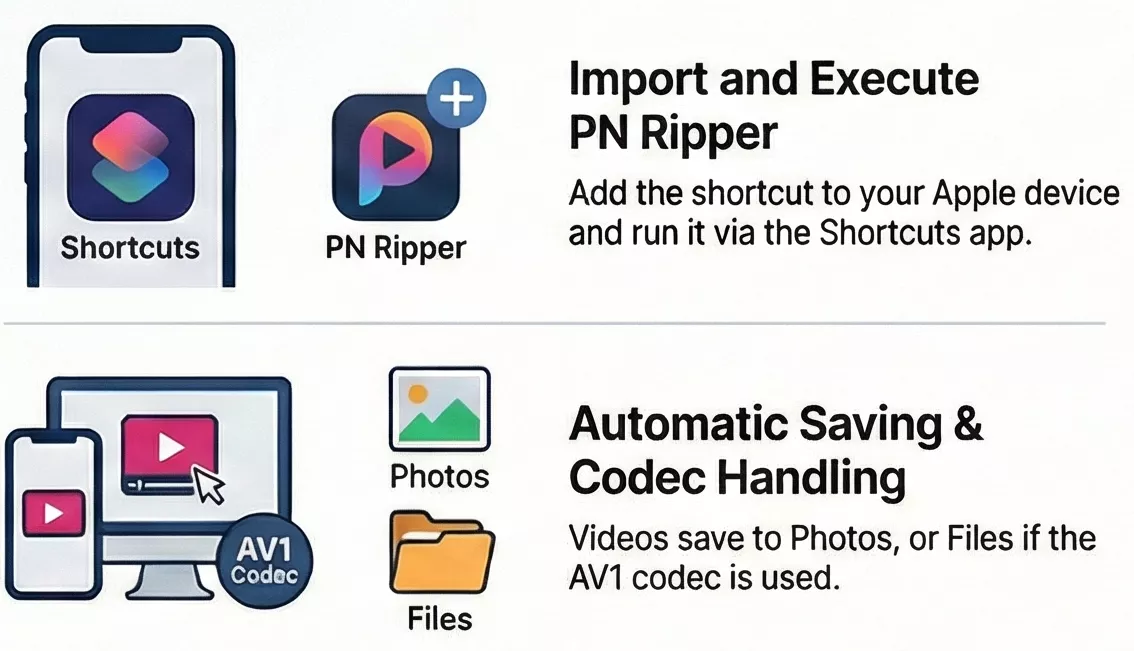
Step 1. Click on the Get Shortcut button above to import the PN Ripper shortcut to your Apple device.
Step 2. Copy the URL to the porn video. You can also run the shortcut from Share Sheet without copying the URL.
Step 3. Open the Shortcuts app and tap the PN Ripper shortcut to run it. You may also add the shortcut to Home or Double Tap for quick access.
Step 4. Select the video quality and start downloading.
When it is complete, you can open Photos app to watch the downloaded videos in Recently Saved. Some porn videos’ codec is av1, which is not supported in Photos. In that case, the shortcut will bring out Files app and allow you select a location to save the video.
Supported Sites
It supports most NSFW websites including Pornhub, Eporner, Xvdieos, Twitter, Spankbang(Premium Only), etc.
If you fail to download a video from one of the supported websites, please report error on Telegram or check other video downloader shortcuts.
If it asks you to select video quality but fails to download, please report the error on Telegram, so we can fix it. However, the video is not supported if it does not bring you quality selection.
Safety & Privacy: Is PN Ripper Safe?
Shortcuts are generally safer than random apps from the App Store.
Why?
Transparency. You can actually open the shortcut and look at the code (the “actions”) yourself.
The shortcut will run automatically. You might see a pop-up asking for permission to connect to API’s servers.
Tap “Always Allow”. Once the checkmark appears, check your Photos app. Boom. The video is there.
If you have doubts, you can check every permission request.
Conclusion
You can use the shortcut on iPhone to download videos from porn sites. If you have any issue or suggestions for the shortcut, be sure to let me know in the comments or Telegram group.
Hope you find these methods helpful. I will also create a Power Automate Desktop flow for Windows to download videos. Stay tuned.