 Chrunos
4 Ways to Download TikTok Video without Watermark on Mobile
Formerly known as Musical.ly, TikTok is very popular among young people. TikTok allows you to save videos on your iPhone Camera Roll, you can watch them offline or edit them with iMovie, but the videos you saved from TikTok will have a watermark.
If you like to download TikTok videos without a watermark, you have come to the right place. I personally have tried a few other apps and online tools, and here are 4 methods tested working in 2025. With them, you can download TikTok videos without watermark on Android, iOS, Windows, macOS, etc.
TikTok Video Downloader Shortcut for iOS and macOS
Shortcuts app, formally known as Workflow, is an automation app provided by Apple. It is pre-installed on your iPhone or iPad since iOS 13, so you don’t need to install an extra app. You can just follow the steps below to download videos from Musical.ly (TikTok) on your iPhone and save them to Camera Roll or the Files app.
If your Mac is running Mnoterery or a newer version, you can also run Shortcuts app on your Mac to download TikTok videos without a watermark.
By the way, I also create this page, Shortcuts Search Engine, to help you find any pre-made shortcuts on the web.
?si=iERP1PkHn5gHNUyVStep 1. In the TikTok app, find the video that you want to download. tap Share > More > Shortcuts. You can also select Copy Link and then go to the Shortcuts app.
Step 2. Select the TikTok Downloader shortcut. You can get the TikTok Donwloader shortcut by clicking the button above. It also supports TikTok Slidshow.
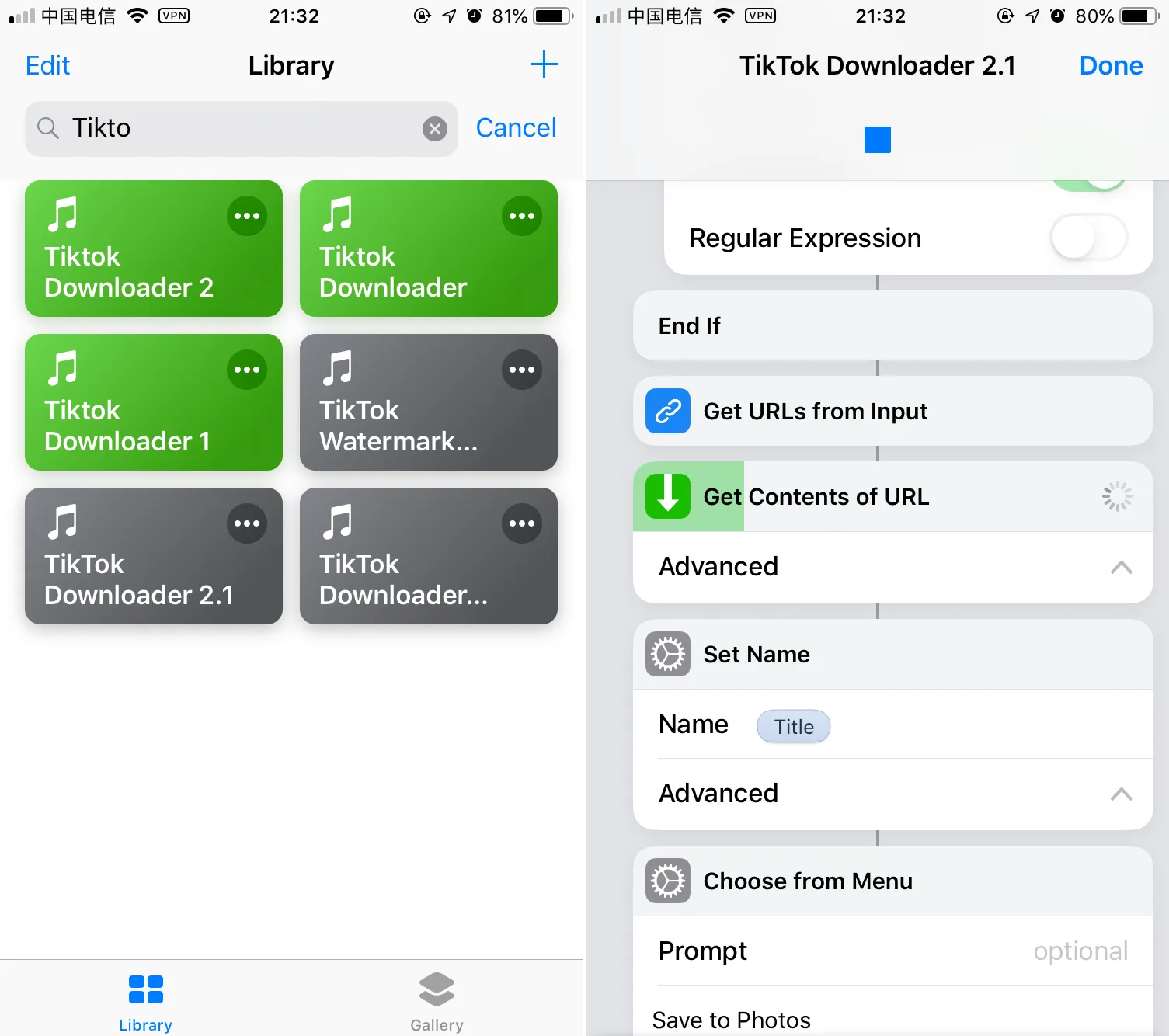
Step 3. Wait for the shortcut to do its job and then the video is downloaded. You can choose to save the video in the Photos app or Files app.
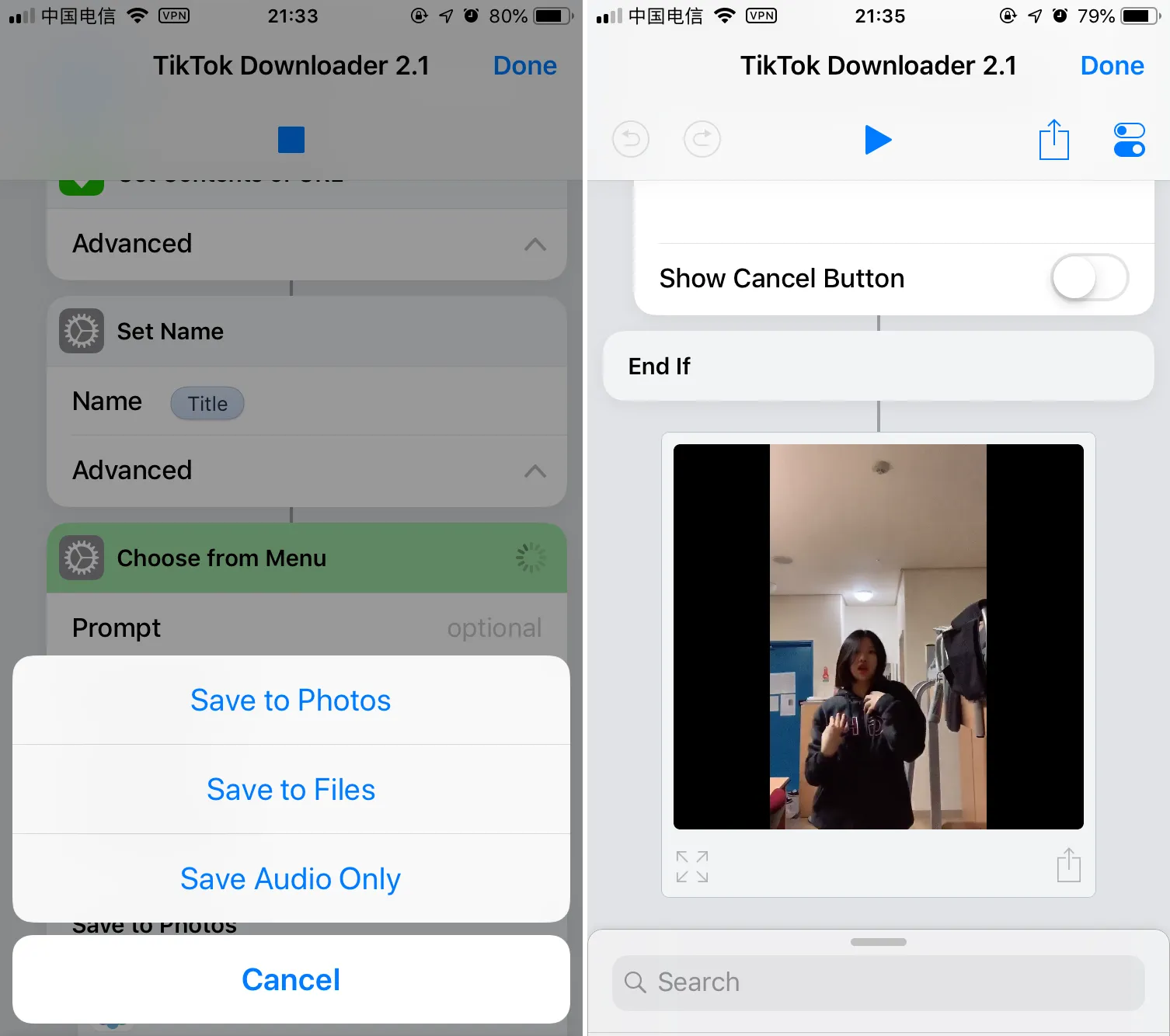
Then you can play the video offline and you will find the video has no watermark now. If you are interested in creating your own advanced shortcuts, you can check this post to get started with Siri Shortcuts.
Shortcuts app is very powerful. You can use it to do many automation tasks. If you want to download the music from TikTok (audio only), it is easy with this shortcut. When the video is downloaded, you can choose the option to Save Audio Only by extracting audio from the TikTok video.
By default, the audio will be saved as M4A. You can change it to AIFF if you want. If you need MP3, you can use Chrunos Multi Downloader shortcut to download Tiktok to MP4 or MP3. The audio can be saved to Files app and you can select any cloud drive connected to the Files app.
Download Tik Tok video without watermark Android APK
If you are using an Android device, you can simply install this TikTok downloader APK to save TikTok videos on Android without a watermark. You can download it from Google Play Store. The app is free, but be aware of the ads as you use the app.

Download TikTok Video without Watermark Online
No matter what device you use, you can also use an online Tik Tok video downloader to rip videos from TikTok with or without a watermark. You just need to paste any link of the video that you want to download there and press download. Then it will give you a preview of the video and 2 download options, one is to download the video with a watermark, the other without a watermark.
Tips: If you are using iOS 12 or previous versions, Safari does not allow you to download files. In that case, you can follow this guide to download files on iPhone or use the TikTok Downloader shortcut that I created.
TikTok Downloader Telegram Bot
If you use Telegram, you can simply get the bot TT Full Bot (@TTFullBot) to download full Tiktok videos without watermark on Android, iPhone, or PC. You just need to send the link to any TikTok video, and the bot will help you get the video without a watermark.
Additionally, this bot works in groups to download multiple TikTok videos. If you love how Telegram Bots work, you can also get a few more Telegram bots for music.
Conclusion
Now, you have learned 4 different methods to download TikTok videos without watermark on iPhone or Android. No matter which device you use, you can always use the online TikTok Downloader or Telegram bot.
We tested all these methods in 2025. If you find any one of these methods no longer working, kindly let me know in the comments. I will update it as soon as possible.
If you have saved some TikTok videos with a watermark, you can also remove a watermark from videos with tools powered by AI.